

When someone has a toothache, a skin problem or trouble hearing, they usually search on Google first. At Webspecia, we help clinics turn those searches into appointments, and Google Ads is often the fastest way to appear in front of a patient who is ready to act.
But healthcare is not like selling shoes. The rules are stricter, the budget gets wasted quickly if the setup is wrong, and a few common mistakes can drain a campaign without bringing a single appointment. This guide covers how to set up Google Ads for a clinic in India, how to plan a budget, how to stay within healthcare ad policy, and which mistakes to avoid.
Why Google Ads works for healthcare clinics
Most patients search at the moment they need help. Searches like “dentist near me,” “hearing test in [city]” or “skin specialist in [area]” show clear intent, so the people clicking your ad are often close to booking.
Google Ads also gives you control: you choose the treatments, the locations and the hours, and you can see which keywords bring calls and enquiries.
It is not a magic fix, though. If your website is slow, your phone is not answered or your follow-up is weak, ads will simply pay for visitors who leave. Think of Google Ads as one part of a complete healthcare digital marketing system.
Before you spend: the essential checklist
Fix these first, and your campaign will perform better from day one:
- A fast, mobile-friendly website. Most clinic searches happen on phones. See how we improved one in our clinic website speed case study.
- A clear landing page for each treatment. Do not send every click to your homepage.
- One obvious action. A call button, a short form or a WhatsApp button.
- Tracking that works. You should know which keyword brought each call or booking.
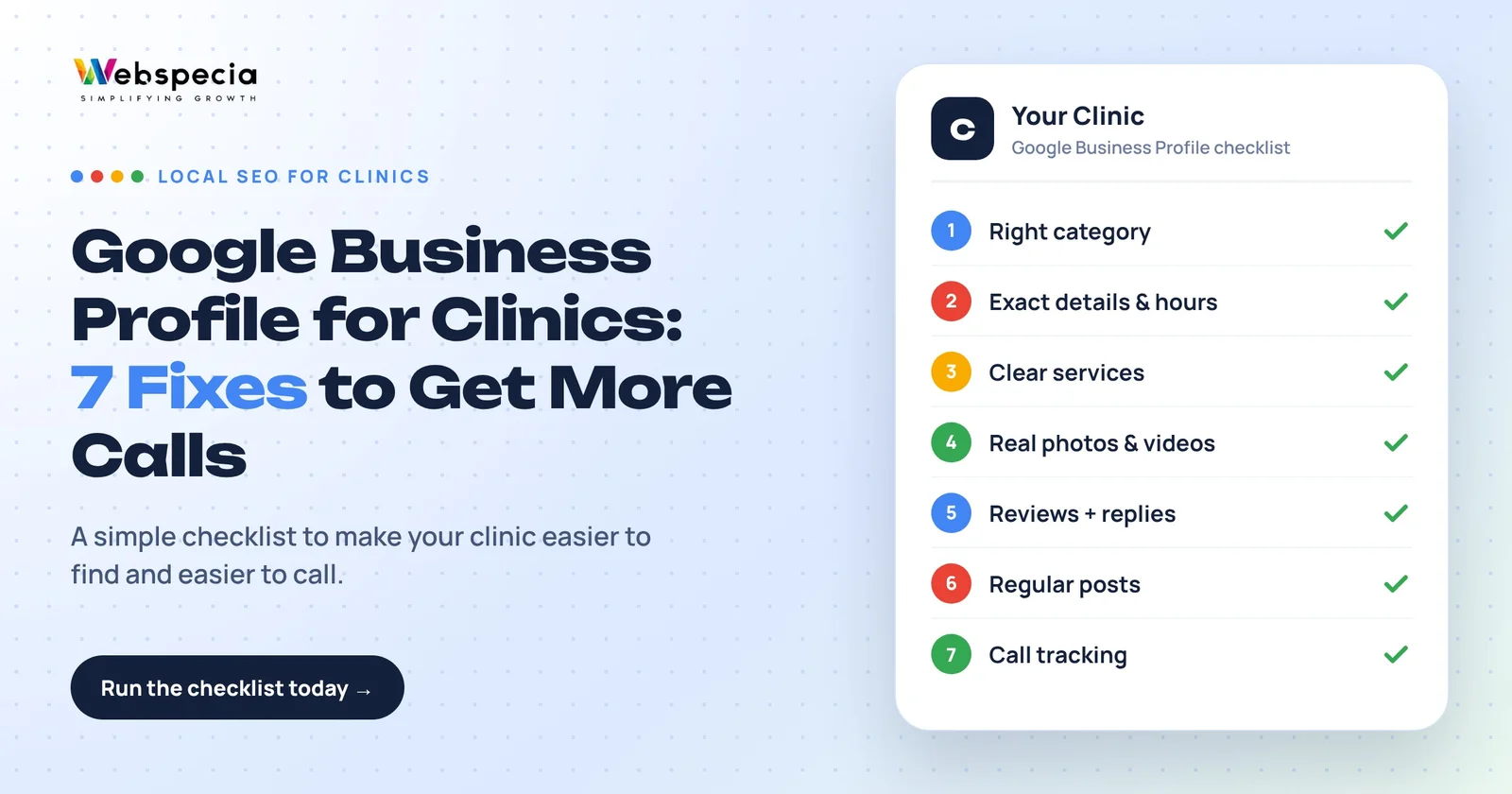
- A complete Google Business Profile. It supports your ads and your local search presence.
- Someone to answer fast. Slow replies waste ad spend.
If you need a better website first, see our healthcare website development service.
Healthcare ad policy: what clinics need to know
This is where healthcare campaigns differ most from other industries. The rules below are a general guide. Policies change, so always check Google’s current Healthcare and medicines policy and your local laws before you launch.
1. Follow the law and industry standards. Google expects healthcare ads and the pages they lead to follow applicable laws and industry standards. In India, that includes general advertising and consumer protection rules and the rules of your professional council. If you are a doctor, dentist or audiologist, check what your council allows you to say in advertising.
2. Some healthcare content is restricted. Certain categories, such as prescription drugs, online pharmacies and some telemedicine or addiction services, can be restricted or may need certification, depending on the country. A typical clinic that promotes consultations and treatments is usually in a lower-restriction group, but check your specific services.
3. Targeting by health condition is limited. Google treats health as a sensitive category. For ads about health conditions, treatments or disabilities, personalised targeting such as remarketing lists and customer lists may be restricted. Plan your campaigns around search intent (what people type) instead of relying on retargeting.
4. Avoid misleading claims. Do not promise cures, guaranteed results or “100% success.” Be careful with before-and-after photos, patient testimonials and words like “best” or “No. 1” unless you can prove them.
5. Protect patient privacy. Never send names, diagnoses or other sensitive health details to ad platforms through your tracking. Use clean conversion events such as “form submitted” or “appointment booked.” Setups like server-side tracking give you more control over what data leaves your website.
Staying compliant also protects your account. A disapproved ad is annoying, but repeated violations can put your whole account at risk.
How to set up Google Ads for a clinic, step by step

- Set your goal. Decide what counts as a win: a phone call, a form, a WhatsApp enquiry or a booked appointment.
- Set up conversion tracking. Track calls, form submissions and WhatsApp clicks, and later import booked appointments from your CRM.
- Start with Search campaigns. Search ads reach people actively looking for your service. Add other campaign types once you have data.
- Choose your keywords by intent. Group them by treatment and location, such as “dental implants in [area]” or “hearing test near me.” Add negative keywords like “free,” “jobs,” “course” and “DIY” to cut waste.
- Target the right area. Use a location radius around your clinic and exclude areas patients will not travel from.
- Write clear, honest ads. Mention the treatment, your location, your timings and a simple call to action. Add call, location and sitelink assets.
- Build a landing page per treatment. Match the page to the ad so the patient sees what they searched for.
- Schedule around your phone hours. Show call-focused ads when someone can answer.
- Launch, then review weekly. Check search terms, remove irrelevant ones and adjust.
For help with the technical part, see our Google Ads management service.
How to plan a Google Ads budget for a clinic
There is no single right budget, because cost per click varies by treatment, city and competition. Instead of guessing, work backwards from your goal:

- Decide how many appointments you want each month.
- Estimate what share of enquiries turn into appointments. If one in four enquiries books, you need four enquiries per appointment.
- Multiply by your expected cost per enquiry to get your cost per appointment.
- Multiply by the number of appointments you want to get your monthly budget.
Then check whether the numbers make sense against what an appointment is worth to you.
Some practical rules:
- Start small and test for 4 to 6 weeks. Early data is noisy.
- Do not judge by clicks. Judge by cost per appointment.
- Scale only what works. Increase the budget on treatments and areas that bring bookings.
- Remember the follow-up. A fast reply can lower your real cost per appointment without changing your ad spend.
Turn clicks into appointments
Many clinics lose patients after the click. To fix that:
- Put a call button, WhatsApp button and short form above the fold, using Xforms for lead capture.
- Reply quickly through WhatsApp and follow up politely.
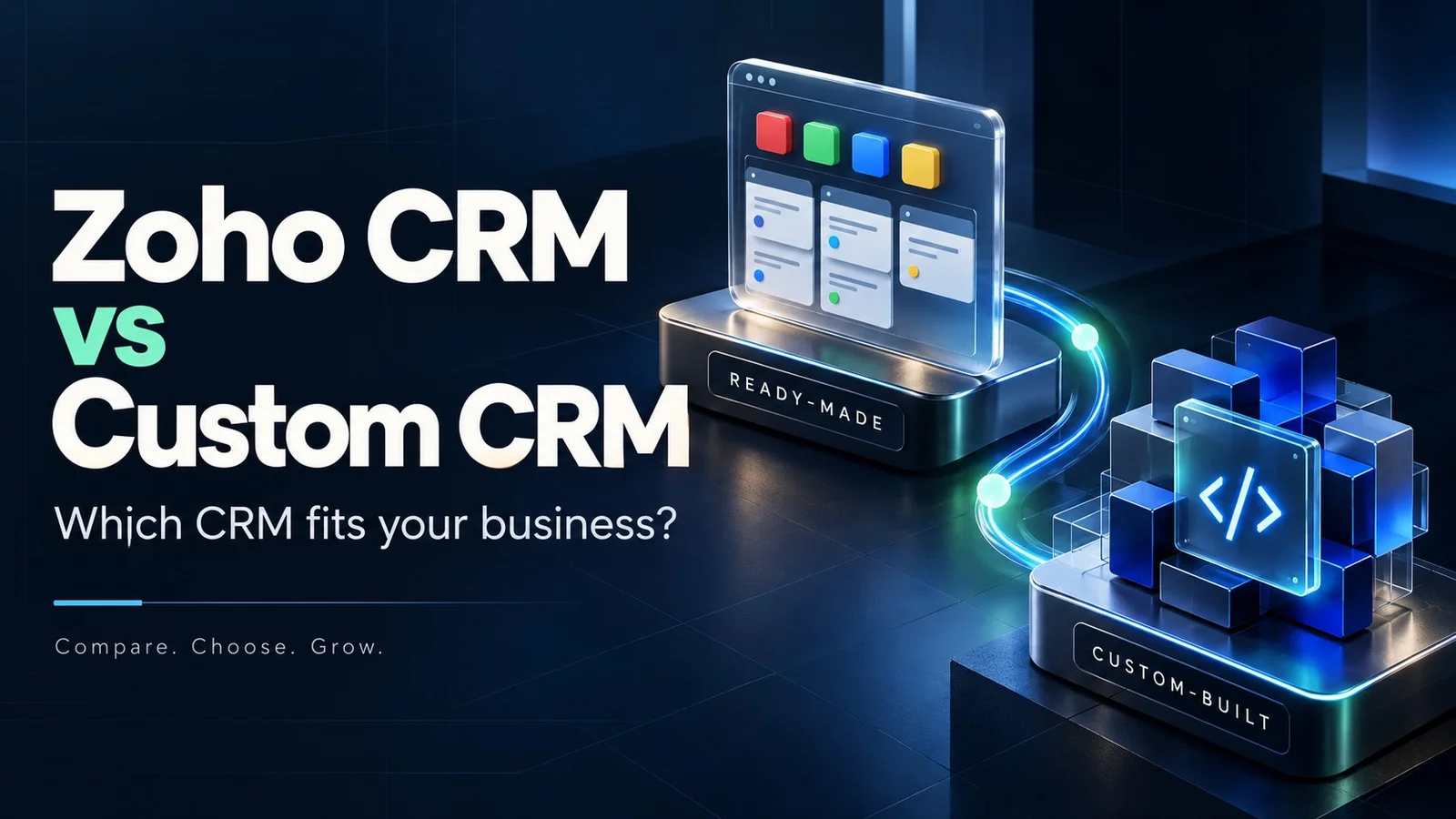
- Send every enquiry into a CRM so nothing is lost. See our Zoho CRM setup.
- Tell the story of each lead: which keyword, which ad, which result.
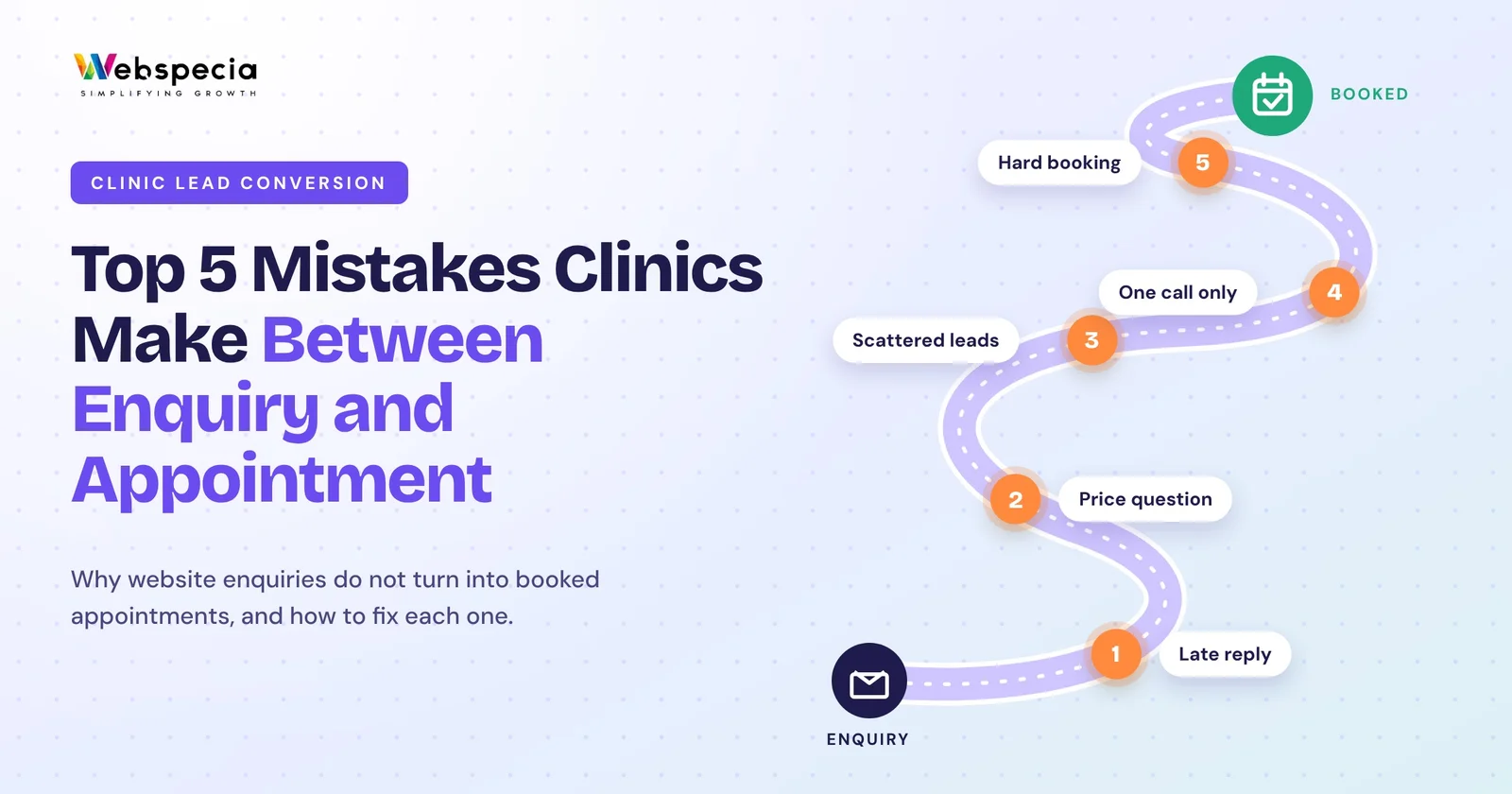
For a hearing clinic example of this problem, read how to turn price enquiries into appointments.
What to measure
- Cost per appointment (the main number)
- Cost per enquiry
- Enquiry-to-appointment rate
- Calls answered and missed
- Search terms that bring real patients and those that waste money
Impressions and clicks help diagnose problems, but they do not pay the bills.
10 common Google Ads mistakes clinics make
- Sending all clicks to the homepage
- Targeting very broad keywords like “doctor” or “clinic”
- Skipping negative keywords
- Not tracking calls, WhatsApp or bookings
- Making exaggerated claims that break policy
- Ignoring phone hours, so ads run when no one answers
- Slow follow-up on enquiries
- Judging success by clicks instead of appointments
- Changing the campaign every day before it has data
- Relying only on ads and ignoring Google Business Profile, reviews and SEO
Google Ads, SEO and AI search: how they fit together
Ads give fast visibility and stop when the budget stops. SEO takes longer but keeps bringing in patients. Many clinics use both. Patients are also starting to ask AI tools for recommendations, which is a different channel from search ads. To compare, read our research on ChatGPT Ads vs Google Ads for healthcare, or see our SEO, AEO and GEO services.
If you are choosing a partner, read How to Choose a Healthcare Digital Marketing Agency.
How Webspecia helps clinics with Google Ads
We work with healthcare businesses on Google Ads, tracking, landing pages, WhatsApp and CRM follow-up, so that spend turns into booked appointments. See how we help hearing clinics and dermatology and skin clinics, and read our case studies.
Final thoughts
Google Ads can be one of the quickest ways to reach patients who are ready to book, but only when the website, tracking, policy compliance and follow-up are ready. Start small, measure appointments and improve week by week.
Want help running Google Ads for your clinic? Book a free strategy call
Frequently asked questions
Are Google Ads allowed for healthcare clinics in India?
Yes, clinics can advertise on Google, as long as the ads and landing pages follow Google’s healthcare policy, applicable Indian laws and the advertising rules of your professional council. Some categories, such as prescription drugs, are restricted.
How much should a clinic spend on Google Ads?
It depends on your city, treatment and goal. Work backwards from the number of appointments you want and your cost per appointment, and start with a small test budget.
How long do Google Ads take to work?
Ads can bring enquiries within days of launch, but it usually takes 4 to 6 weeks of testing and adjusting to find what works.
Can I use remarketing for my clinic?
Remarketing and customer lists may be limited for health-related services under Google’s personalised advertising policy. Plan your campaigns around search intent, and check the current policy for your services.
Which is better for clinics, Google Ads or SEO?
Ads are faster and stop when you stop paying. SEO is slower but builds lasting visibility. Many clinics use both.
Can I use patient testimonials and before-and-after photos in ads?
Be very careful. Do not imply guaranteed results, and check both Google’s policy and your professional council’s rules.
Should I use Performance Max for a clinic?
Start with Search campaigns so you control keywords and landing pages. Consider other campaign types later, once your tracking and data are reliable.
How do I know if my Google Ads are working?
Look at booked appointments and cost per appointment, not just clicks. That requires proper call, form and WhatsApp tracking.