


When someone searches “dentist near me” or “skin clinic in Kolkata,” the first thing they see is often not a website. It is a map with three clinics, each with a rating, a photo and a call button. Many of those patients never open a website at all. They tap “Call” on the clinic that looks the most trustworthy.
That map listing is your Google Business Profile (earlier called Google My Business, or GMB). For most clinics it is free, and it is often the first impression a patient gets. This guide covers the 7 things that most often stop a clinic’s profile from getting calls, and how to fix each one. At Webspecia we update clinic profiles and post on them regularly, so the examples below come from day-to-day work.
A quick note before we start: nobody can promise you a number one spot on the map. Google decides rankings, and it mainly looks at three things: how relevant your profile is to the search, how close you are to the person searching, and how well-known and trusted your clinic looks online. The 7 fixes below improve the parts you control.
First, a five-minute check you can do today
Search for your clinic’s main service plus your area (for example, “physiotherapy clinic Salt Lake”) on your phone. Then look at:
- Does your clinic show up, and in which position?
- What does your listing look like: photos, rating, opening hours?
- If you were a patient, would you call this clinic or the one above it?
Whatever feels weak in that comparison is where to start.
Fix 1: Choose the right primary category
The primary category tells Google what your clinic is. A clinic that picks “Medical clinic” when it is really a “Dental clinic” or “Dermatologist” is harder for Google to match to searches. If you run a dental practice, our dental SEO guide for clinics in India covers the wider search picture, and skin clinics can read why a dermatology clinic isn’t ranking.
What to do:
- Pick the most specific primary category that matches your main service.
- Add secondary categories for other services you genuinely offer.
- Do not add categories for services you do not provide.
Fix 2: Make your basic details exact and consistent
Wrong timings or a wrong phone number cost you calls directly. A patient who finds the clinic closed when the profile said “open” will not try again.

What to do:
- Use your clinic’s real name, the same as on your board. Adding keywords to the name (“Best Dentist Kolkata Dr. X Clinic”) goes against Google’s rules and can get the profile suspended.
- Keep your address, phone number and website the same everywhere online.
- Set accurate opening hours and update holiday and special hours before festivals.
- Add your appointment or booking link if you have one.
Fix 3: Fill in services and the description properly
Many profiles are half empty. Patients want to know quickly whether you treat their problem.
What to do:
- List each service separately (for example, root canal, teeth whitening, braces), with a short, plain description.
- Write a clear business description: who you are, where you are, what you treat, and what makes your clinic different.
- Use the words patients actually use, not only medical terms.
- Do not make claims like “best” or “100% cure”. Stay factual.
Fix 4: Add real photos and videos
Patients want to see where they are going. A profile with few or old photos looks inactive.
What to do:
- Add photos of the clinic entrance, reception, waiting area, treatment rooms and equipment.
- Add doctor and team photos. It helps patients feel they know who they will meet.
- Use real photos, not stock images.
- Add short videos, such as a clinic walkthrough or a doctor introduction. Do not show patients without their written consent.
- Add a few new photos every month.
Fix 5: Collect reviews and reply to every one
Reviews and ratings are the first thing patients compare. A clinic with a few recent, genuine reviews usually looks more trustworthy than one with none.

What to do:
- Ask happy patients for a review at the end of the visit or by a follow-up message. Share your direct review link so it is one tap.
- Never offer money or gifts for reviews, and do not only ask for positive ones. Both go against Google’s policies.
- Reply to every review, positive and negative, politely and quickly.
- Do not mention treatments, conditions or any health detail in your reply, even if the patient already did. Keep replies general, for example: “Thank you for your kind words. We are glad we could help.”
- For negative reviews, stay calm, apologise where fair, and invite them to contact the clinic to resolve it.
Fix 6: Post on your profile regularly
Posts keep the profile active and give patients a reason to call. This is where posting every day, as we do for clients, helps: you learn quickly which types of posts get attention.
Post ideas that work for clinics:
- Service highlight: “Teeth whitening is available at our clinic. Book a consultation to know if it suits you.”
- Offer or camp: “Free dental check-up camp this Saturday, 10 am to 1 pm.” Use the Offer or Event post type with dates.
- Doctor introduction: a short photo or video with the doctor’s qualification and area of practice.
- Health awareness: simple tips such as “3 signs it is time to see an audiologist.”
- Patient FAQs: answer one common question in 3 to 4 lines.
- Festival and holiday timings: so patients know when you are open.
Rules to remember:
- Do not put phone numbers in the post text. Use the Call button instead.
- Keep each post within the 1,500 character limit and keep the first lines clear, because that is what shows first.
- Add a button such as Call now, Book or Learn more on every post.
- Use real images or a short video (around 30 seconds or less) that fits the 4:3 display, so nothing gets cut.
- Avoid before and after claims or promises of results.
Fix 7: Track calls and make sure someone answers
A profile that brings calls is only useful if you can see them and pick them up.
What to do:
- Check the Performance section of your profile for calls, direction requests and website clicks.
- Add UTM tags to the website link on your profile so you can see in Google Analytics how many visits came from it. For deeper tracking, read our server-side tracking guide.
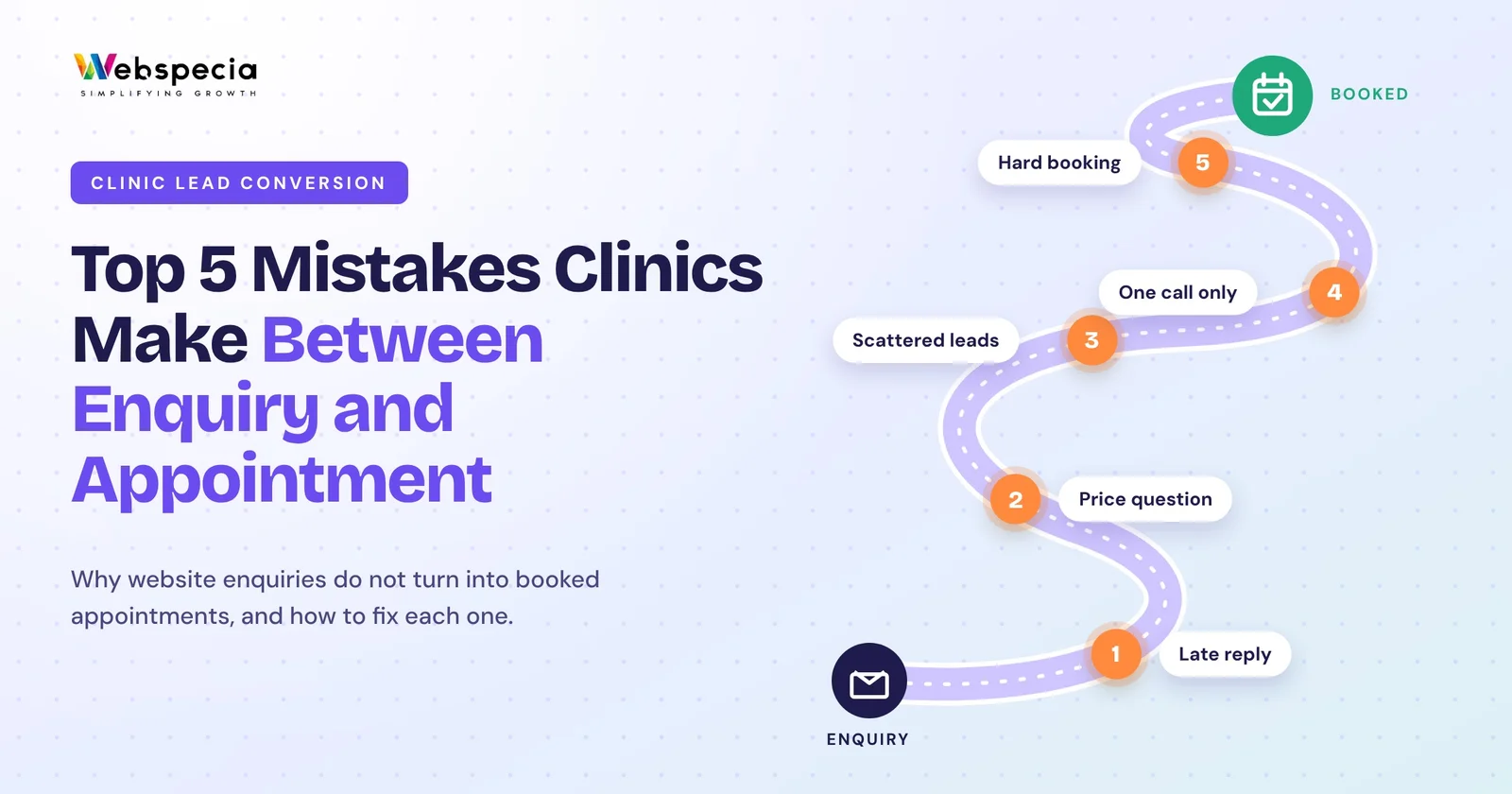
- Make sure missed calls are noticed. A call that rings out and goes to nobody is a lost patient. See our guide on the mistakes clinics make between an enquiry and a booked appointment, and how a CRM can remind your team to follow up in our Zoho CRM automation guide.
- If you also run Google Ads, track calls from both sources separately so you know what is working.
A quick self-audit
| If you notice this | The likely problem |
|---|---|
| You do not show up for “clinic near me” | Wrong or too generic category, or weak profile |
| Patients complain about wrong timings | Hours or holiday hours not updated |
| Many views but few calls | Few photos, reviews or unclear services |
| Low rating with no replies | Reviews not managed |
| Profile looks inactive | No posts or new photos |
| You cannot say how many calls came from Google | Calls not tracked |
Final thoughts
A Google Business Profile will not fix a weak clinic, but a weak profile can hide a good one. Get the category right, keep the details exact, show real photos, manage reviews, post regularly and track your calls. Start with the five-minute check above and fix the first thing it shows you.
Your profile works best alongside the rest of your marketing. Our guide on digital marketing in healthcare shows how the pieces fit together. If you want a team to handle the wider SEO for your clinic, that is what we do at Webspecia, and you can see what we have done for others in our case studies.
Frequently asked questions
Is Google Business Profile free for clinics?
Yes. Creating and managing a profile is free. Google Ads and SEO are separate paid services.
How long does it take to get more calls from a Google Business Profile?
It depends on your area, competition and how complete the profile already is. Fixing basic details often helps sooner than posts or reviews, which build up over time. No one can promise a fixed timeline or a ranking.
How often should a clinic post on its profile?
There is no fixed rule. A steady routine, such as a few posts every week, is better than many posts in one week and none for months.
Can I reply to a patient’s review with treatment details?
No. Keep replies general and do not confirm any health or treatment detail. This protects patient privacy.
Can I put my phone number in a post?
It is best not to. Use the Call button on the post and keep your number in the profile details.
Do I need a website if I have a Google Business Profile?
It is strongly recommended. A website gives patients more information, lets you run ads and lets you measure enquiries. Our guide to Google Ads for healthcare clinics in India explains how the two work together.
Want more calls and booked appointments from Google? Webspecia helps healthcare businesses with SEO, Google Ads, tracking and CRM follow-up. Book a free strategy call